
Remember when you could plug a graphics card into your PC and start making money while it ran in the background? Those days are gone. If you are looking to mine Bitcoin or Ethereum with a GPU, stop right now. You will lose money. But if you are interested in the niche world of altcoins like Ergo or Ravencoin, there is still a path forward-provided you have cheap electricity and know exactly what you are doing.
In 2026, GPU mining is no longer a get-rich-quick scheme. It is a specialized technical hobby that requires careful calculation. The market has shrunk significantly since the peak of 2021, but for those who understand the math, it remains a viable way to earn cryptocurrency. This guide breaks down the reality of GPU mining today, helping you decide if it is worth your time and investment.
The Reality Check: What Can You Actually Mine?
First, let’s clear up the biggest misconception. Since Ethereum switched to proof-of-stake in 2022, the landscape changed forever. ASIC miners dominate Bitcoin and most major chains. GPUs are too slow and inefficient for these networks. Trying to mine Bitcoin with a graphics card is like trying to move a mountain with a spoon.
So, what is left? You are looking at specific algorithms designed to resist ASICs. As of late 2025 and early 2026, the main coins worth considering are:
- Ergo (ERG): Uses the Autolykos algorithm, which favors AMD cards due to better memory efficiency.
- Ravencoin (RVN): Uses KawPow, an algorithm optimized for NVIDIA’s architecture.
- Flux (FLUX): Uses ZelHash, another ASIC-resistant option popular among GPU miners.
Dr. Alex de Vries, founder of Digiconomist, noted in September 2025 that profitable GPU mining has contracted to just 12-15 viable coins. These coins must have active development and decent trading volume. If you pick a coin with low liquidity, you might mine it all day only to find you cannot sell it easily.
Hardware Selection: Choosing the Right Card
Not all GPUs are created equal. Your choice depends on two factors: the algorithm you want to mine and your budget. Newer cards offer better power efficiency, which is crucial because electricity costs eat up most of your profits.
| GPU Model | Algorithm | Hashrate | Power Draw | Daily Profit ($0.10/kWh) |
|---|---|---|---|---|
| NVIDIA RTX 5090 | KawPow (RVN) | 85 MH/s | 360W | $1.00 | NVIDIA RTX 4090 | KawPow (RVN) | ~75 MH/s | 300W | $0.50 | AMD RX 7900 XTX | Autolykos (ERG) | High Efficiency | 250W | Varies by Coin Price | NVIDIA RTX 3070 | Cuckatoo32 (Flux) | 0.70 H/s | 180W | -$0.02 (Loss) |
Notice the RTX 3070? It is losing money. Older cards often do not generate enough revenue to cover their power consumption. The RTX 5090, released in January 2025, is powerful but expensive. For many home miners, mid-range cards like the RTX 4060 Ti offer better value, even if their daily profit is lower, because the initial investment is much smaller.
A key metric to watch is $/kWh. This tells you how much revenue each unit of electricity generates. Modern GPUs aim for 0.35-0.55 $/kWh. If your card scores below this, it might struggle to be profitable unless your electricity is nearly free.
The Electricity Factor: The Make-or-Break Variable
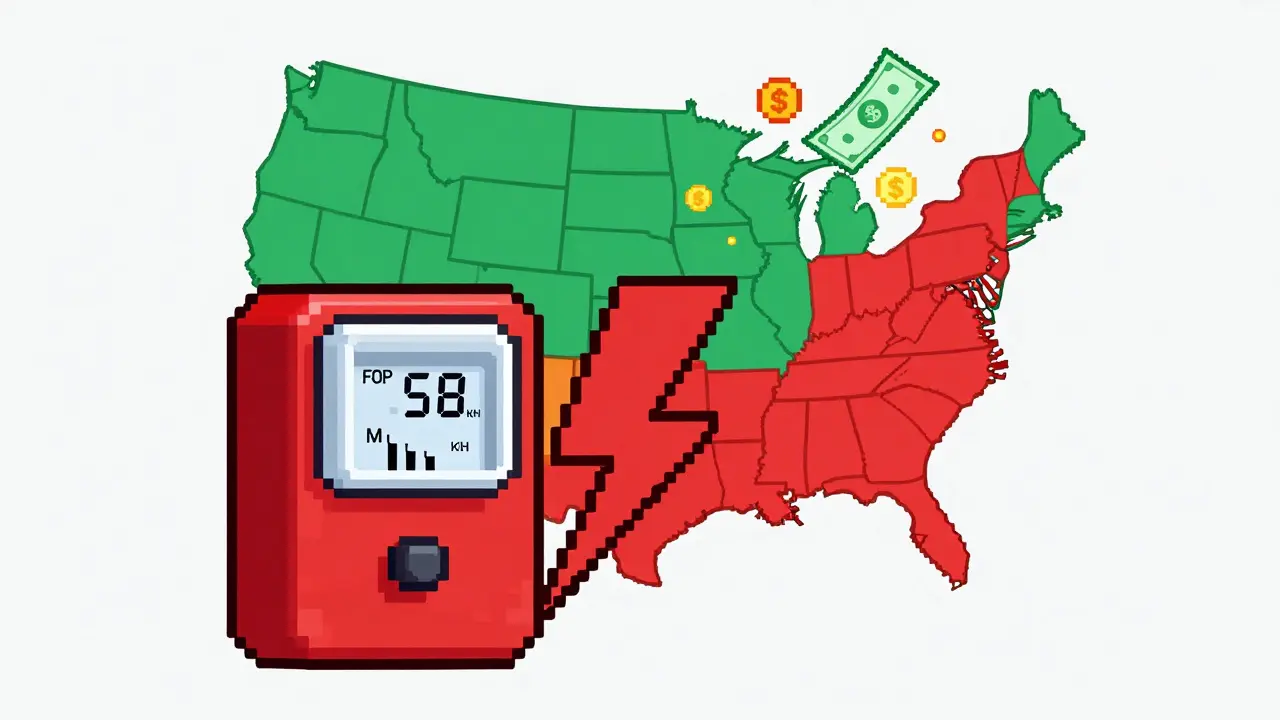
This is the most important part of the equation. Your electricity cost determines whether you make money or lose it. According to data from WhatToMine and NiceHash in late 2025, you need electricity costs below $0.10/kWh to see consistent profits. Ideally, you want it under $0.08/kWh.
If you are paying residential rates in places like California ($0.29/kWh) or parts of the UK, you will likely operate at a loss. Miners in Iceland or Texas with industrial rates ($0.05/kWh) can achieve profits 3x higher than you, using the exact same hardware.
Before buying any equipment, call your utility provider. Ask about:
- Current per-kWh rates.
- Time-of-use plans (cheaper rates at night).
- Any caps on high-consumption devices.
Some regions have introduced specific taxes on crypto mining. In Washington state, for example, a surcharge was implemented in 2025 that reduces margins by 10-15%. Check local regulations to avoid unexpected bills.
Building the Rig: Step-by-Step Setup
Setting up a mining rig is more complex than plugging in a game console. A typical multi-GPU rig requires a motherboard with multiple PCIe slots, a robust power supply, and good airflow. Here is how to approach it:
- Choose a Motherboard: You need a board with enough PCIe slots to hold your GPUs. Standard gaming motherboards usually only support one or two cards well. Look for boards designed for mining or use PCIe risers to connect additional cards.
- Power Supply Unit (PSU): Calculate your total power draw. Add 20% headroom. For a 6-GPU rig, you might need a 1000W+ PSU. Ensure it has enough connectors for all your cards.
- Cooling: GPUs run 24/7. They need constant airflow. Use open-frame cases rather than closed boxes. Keep temperatures between 60-70°C for optimal performance and longevity.
- Operating System: Windows works, but Linux-based mining OSes like HiveOS are preferred. They are lighter, more stable, and easier to manage remotely. HiveOS scored highly for user guides in recent reviews.
Expect to spend 8-12 hours on your first setup. You will likely encounter issues with BIOS settings, driver conflicts, or PCIe lane limitations. Patience is key.
Software and Management
Once your hardware is ready, you need software to connect to the blockchain. You cannot mine directly; you join a pool. Pools combine the computing power of many miners to solve blocks more frequently, then distribute rewards based on contribution.
Popular mining software includes:
- NiceHash: Great for beginners. It automatically switches your GPU to the most profitable algorithm. However, it charges fees and you receive payment in Bitcoin, not the mined coin.
- NBMiner: A lightweight, efficient miner that supports many algorithms. Good for advanced users who want control.
- T-Rex Miner: Known for high performance on NVIDIA cards, especially for KawPow.
For managing multiple rigs, consider platforms like Minerstat or Kryptex. They provide dashboards to monitor hashrate, temperature, and earnings in real-time. Over 70% of profitable operations in 2025 used such management tools.

Profitability Analysis: Do the Math
Never guess. Calculate. Use online calculators like WhatToMine or CryptoCompare. Input your GPU model, electricity cost, and current coin prices. Remember, these numbers change daily.
Consider the "break-even" point. If you spend $1,500 on an RTX 4090 and earn $0.50/day, it takes 3,000 days (over 8 years) to recoup your hardware cost. That is not realistic. Mid-range cards with lower upfront costs often break even faster, even with lower daily earnings.
Also factor in hardware degradation. Running a GPU at full load shortens its lifespan. Resale value drops significantly for used mining cards. Include a maintenance buffer in your calculations.
Future Outlook: Is It Worth It?
The future of GPU mining is uncertain. Gartner predicted in October 2025 that GPU mining would represent less than 1% of total crypto mining by 2027. The trend is toward hybrid models. Some companies now use GPU clusters for AI training during low-profit crypto periods, boosting utilization rates.
New technologies like DePIN (Decentralized Physical Infrastructure Networks) might offer new uses for GPUs. Projects like Render Network allow you to rent out your GPU’s rendering power for blockchain tasks, potentially offering more stable income than pure mining.
If you enjoy tinkering with tech and have cheap electricity, GPU mining can be a rewarding hobby. But if you are looking for passive income, look elsewhere. The days of easy money are over.
Can I mine Bitcoin with a GPU?
No. Bitcoin mining uses the SHA-256 algorithm, which is dominated by ASICs. ASICs are millions of times more efficient than GPUs. Mining Bitcoin with a GPU will result in a net loss due to electricity costs.
What is the best GPU for mining in 2026?
It depends on your budget and target coin. For NVIDIA, the RTX 4060 Ti offers good value for mid-range mining. For high-end, the RTX 5090 is powerful but expensive. For AMD, the RX 7900 XTX is efficient for Autolykos-based coins like Ergo.
How much electricity does a mining rig use?
A single modern GPU uses 150-360 watts. A 6-GPU rig can consume 1,000-2,000 watts continuously. At $0.10/kWh, a 1,500W rig costs about $3.60 per day to run. Always calculate your specific setup's power draw.
Is GPU mining legal?
In most countries, including the US and UK, GPU mining is legal. However, regulations vary. Some regions impose taxes or restrictions on high-energy consumption. Always check local laws before starting.
What happens to my GPU after mining?
Mining stresses components, particularly fans and VRAM. Resale value decreases compared to non-mined cards. However, many GPUs remain functional for gaming or other tasks after mining. Regular maintenance and cooling extend their life.